A Rivian R1S does not use a traditional ignition button. The R1S owner’s guide says the vehicle unlocks and becomes ready when it detects your approach or when you unlock it with an authorized key. Sit in the driver’s seat, disconnect the charge cable, press the brake, and use the right-side drive stalk to select Drive or Reverse.
Normal Rivian start sequence
For the R1S covered by Rivian’s MY22-24 owner’s guide, the normal sequence is:
- Unlock the vehicle with the authorized key you have.
- Sit in the driver’s seat.
- Confirm the charge cable is disconnected.
- Press and hold the brake pedal.
- Move the drive stalk on the right side of the steering wheel to Drive or Reverse.
The vehicle is already ready after it recognizes access and occupancy conditions. There is no separate engine-start step.
Rivian says the vehicle remains ready while charging, but it cannot shift out of Park with the charge cable connected. Disconnect first.
Starting with a key card or band
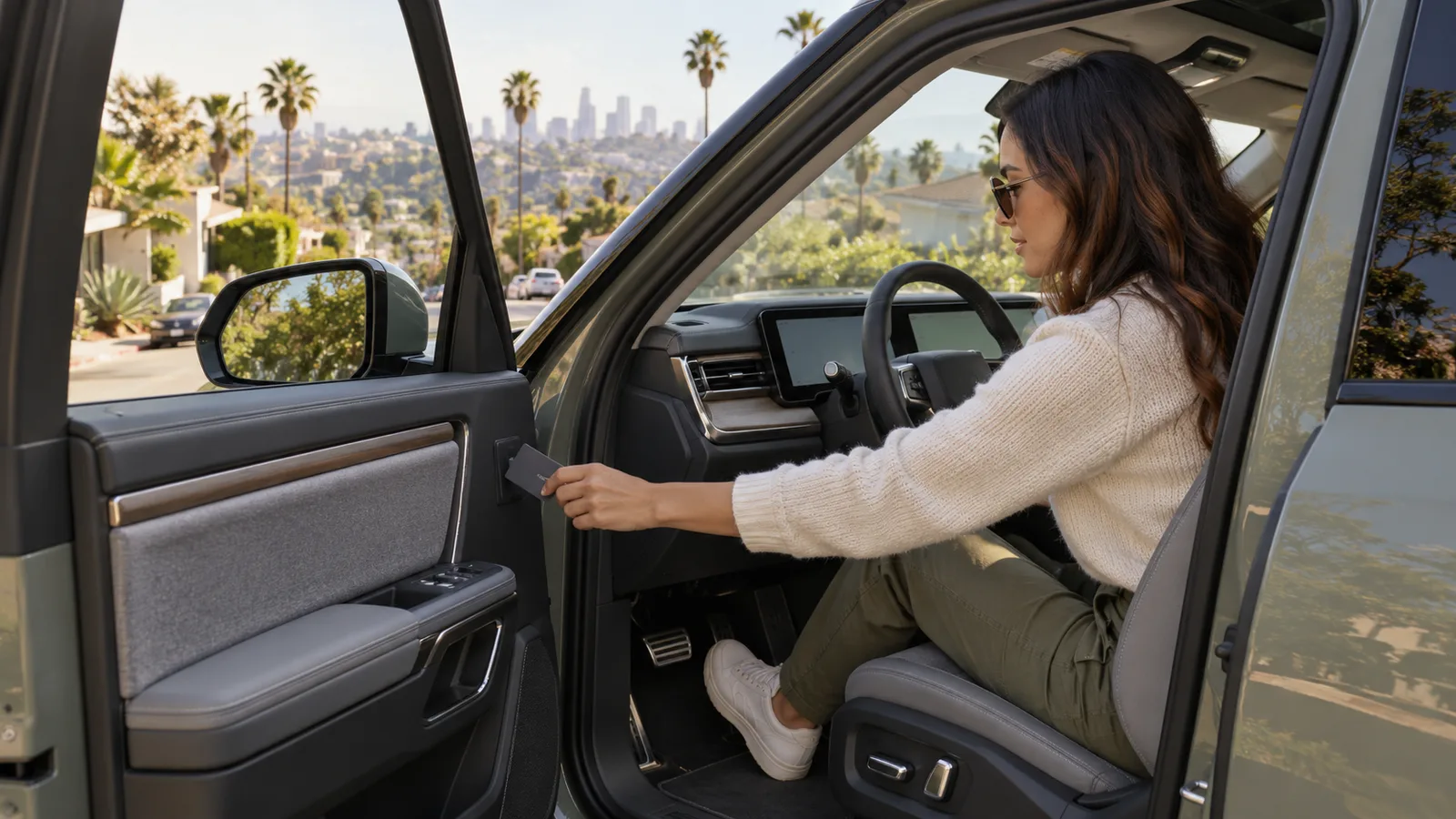
The R1S guide gives a 60-second window after unlocking with a key card or band. Begin driving within that window.
If more than 60 seconds pass, touch the card or band to the unmarked reader on the interior trim of the driver’s door. Hold it there until the vehicle chimes. Then press the brake and select a gear.
Do not wave the card around the center display or guess at an exterior reader. The guide identifies the interior driver’s-door trim reader for reauthorization after the 60-second window.
If the card is not recognized, try another authorized key you carry. Use Rivian’s current support instructions for any key setup or account problem.
Why a Rivian stays in Park
Rivian’s gear-selection instructions list several conditions that prevent shifting out of Park:
- A charge cable is connected
- The brake pedal is not pressed
- The driver is not detected in the driver’s seat
- The key fob is not in the vehicle
- A vehicle error exists
Work through those conditions in that order. Disconnect the cable fully. Sit squarely in the driver’s seat. Press the brake firmly. Bring an authorized key into the vehicle. Read any message on the driver display.
Do not keep forcing the stalk if the vehicle reports an error. Record the message exactly. A gear-selection problem is different from an empty traction battery or a fully dark vehicle.
Ready, asleep, or unable to wake?
The R1S guide says the vehicle locks and goes to sleep after it is parked and the driver walks away. Weight on a front seat keeps the vehicle ready. Charging also keeps it ready.
That means normal sleep is not a failure. Approach with an authorized key or unlock the vehicle, and it should become ready again.
A vehicle that unlocks but will not shift may have a key, brake, cable, seat-detection, or reported-error condition. A vehicle that stays completely dark is a different task. Use Rivian R1T or R1S will not start for the no-wake diagnostic path.
If the vehicle was driving normally and the traction battery reached zero, use EV died: should you charge, jump, or tow? instead. Do not treat a zero pack like a key-card problem.
What to report when it still will not move
Before requesting help, note:
- R1S model year
- Which key type you used
- Whether the doors unlocked normally
- Whether the displays are awake
- The exact error message
- Whether a charge cable was recently connected
- Whether the vehicle can select Neutral or a transport mode under its owner’s guide
Do not let an operator drag the vehicle based on generic EV advice. Rivian’s current towing and transport instructions for the exact model control how it may be moved.
Charge Pro LA is a referral service. We connect Los Angeles County drivers with independent local operators. Those operators perform the work, make the quote, and bill the driver directly. Charge Pro LA does not represent Rivian, employ a roadside crew, own a tow truck, set prices, or promise arrival times.
For local non-Tesla help, see non-Tesla EV rescue. If the Rivian stays dark or cannot move after the key, cable, seat, brake, and error checks, call (213) 410-1991 and report the exact vehicle state.