A Tesla that won’t unlock and shows a dead pack on the app is usually a 12V failure, not a traction pack failure. The pack is fine. The 12V that powers the door handles, the screen, and the contactors is dead. Here’s the rescue path to unlock it and get moving in LA County.
Why a Tesla won’t unlock
Tesla uses electronic door handles that present only when the car is awake. The car is awake when the 12V battery can power the central computer. A dead 12V means the car is asleep and the handles stay retracted.
The same applies to the Tesla app. The app shows the car as offline because the 12V can’t power the cellular modem. The driver sees a dead pack on the app and assumes the traction pack is the problem.
The traction pack is almost never the actual problem in this scenario. The 12V is dead. The pack still has whatever range it had before the car parked.
How to confirm it’s the 12V
Press the key fob. If the car doesn’t beep and the handles don’t present, the 12V is dead.
Open the Tesla app. If the car shows as offline, the 12V is dead. The pack state of charge shown on the app is the last reported value. It doesn’t reflect the current state because the car can’t communicate.
Look at the headlights. If the headlights are off and the Tesla logo doesn’t appear on the screen, the 12V is dead.
Try the Tesla app’s unlock command. If the app shows the command failed, the 12V is dead. The app can’t wake a car whose 12V is below the threshold.
First move: the manual unlock
Every Tesla has a mechanical key hidden in the key fob. The Model S, Model X, and Model 3 have a small key that slides out of the fob. The Model Y has a similar setup. The mechanical key unlocks the driver’s door.
The mechanical keyhole is hidden behind a cover on the driver’s door handle. The driver pulls the cover off with the key. The key turns the lock. The door opens.
Once inside, the driver can pop the hood using the Tesla’s emergency hood release. The Model 3 and Model Y have a hood release cable near the driver’s footwell. The Model S and Model X have a similar cable. The hood opens and the 12V terminals are accessible.
How to jump the 12V
The Tesla’s 12V terminals are under the hood. The positive terminal has a red cover. The driver (or the operator) removes the cover and connects a portable jump pack to the positive terminal. The negative clamp goes to a chassis ground point near the 12V.
The Tesla’s computer wakes within a few seconds. The contactors close once the 12V is back to a normal voltage. The screen lights up. The Tesla is now in a normal Ready state.
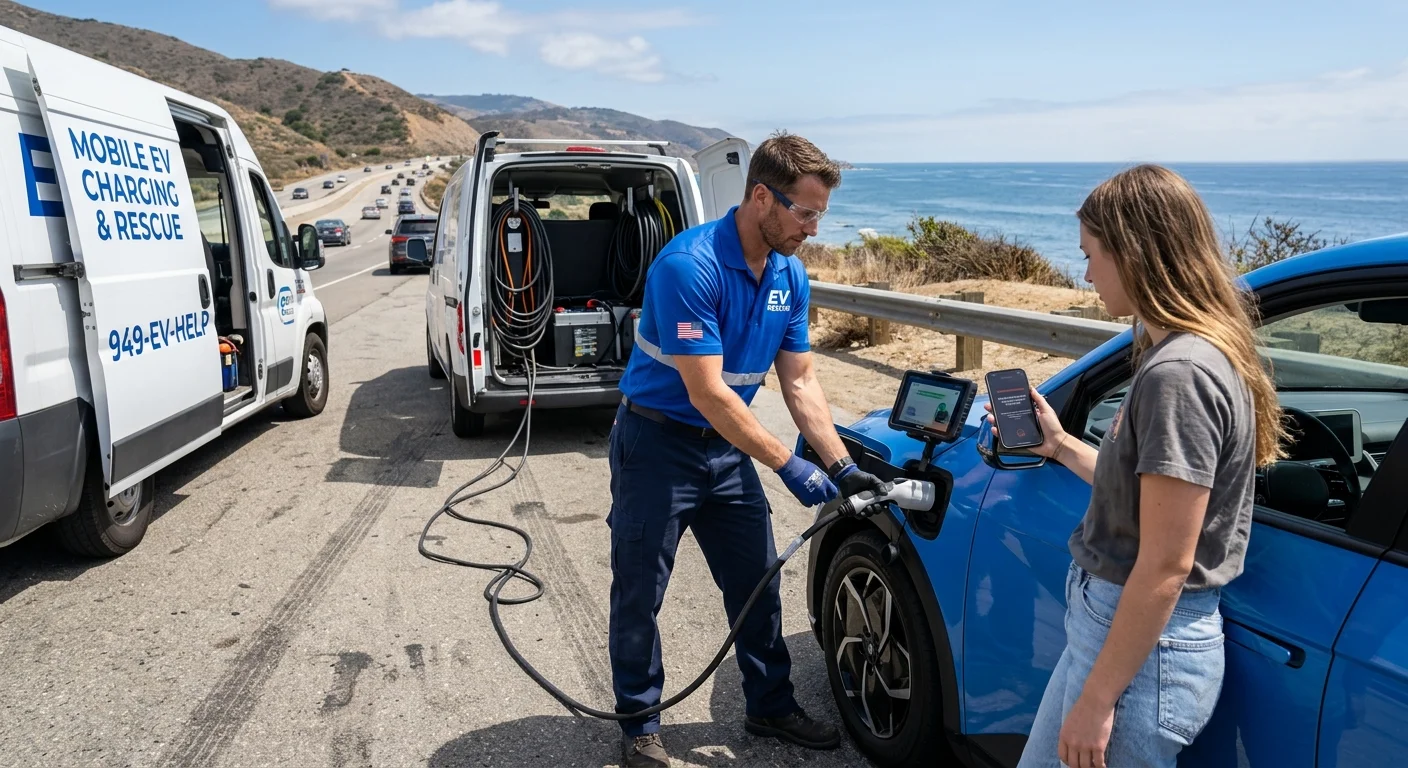
If the driver doesn’t have a portable jump pack, a mobile operator brings one. The operator jumps the 12V and confirms the car wakes. If the 12V won’t hold a charge, the operator replaces it on site.
What the operator brings
We’re a referral line for Los Angeles County. We match stranded EV drivers with independent local operators. The pros we connect you with are licensed professionals. We hold no license for the work. We own no trucks and employ no technicians. We set no prices and publish no arrival time.
The operator quotes you before they start. They bill you directly. No dollar figure belongs here. They quote you on the phone and confirm access before they roll.
For a locked-out Tesla with a dead 12V, the operator brings a portable jump pack and a replacement 12V battery. They confirm the model year on the call to make sure they bring the right battery.
Tesla 12V is dead: how to tell, then how to jump it covers the diagnosis and jump path in more detail.
Why this happens in LA County
Heat ages 12V batteries faster than mild weather. LA County summers hit 90F and above. A Tesla parked on a driveway in the sun all day in August loses 12V capacity faster than the same car parked in a garage.
A week of vacation does it too. A car that sits in a structure or on a curb for seven days returns to a 12V that’s been slowly draining the whole time. The Tesla’s small 12V doesn’t have much reserve.
Tesla 12V failure signs you can catch before you’re stuck covers how to spot a 12V problem before it strands you.
After the jump
Once the Tesla wakes up, drive it for at least 30 minutes. The DC-DC converter charges the 12V from the traction pack while the car is moving. A short hop won’t bring the 12V back to full.
If the 12V was drained because the car sat for a week, drive it for an hour and the 12V should be back to normal. If the 12V was drained because the battery itself is at end of life, replace it. The operator can replace it on site if that’s the diagnosis.
The combined answer
A Tesla that won’t unlock and shows a dead pack on the app is usually a 12V failure. The mechanical key unlocks the door. The hood release gives access to the 12V. A portable jump pack wakes the car. A mobile operator brings the jump pack and the replacement battery.
The number to call is (213) 410-1991. We’ll match you with a local operator. They quote before any cable goes in.