A Rivian R1T or R1S driver at a charger pushes the release button and nothing happens. The cable stays locked. The session is over but the connector won’t come out. That’s a stuck Rivian charge port, and it’s a regular call in LA County. Here’s how to free a Rivian charge port without damaging the car or the cable.
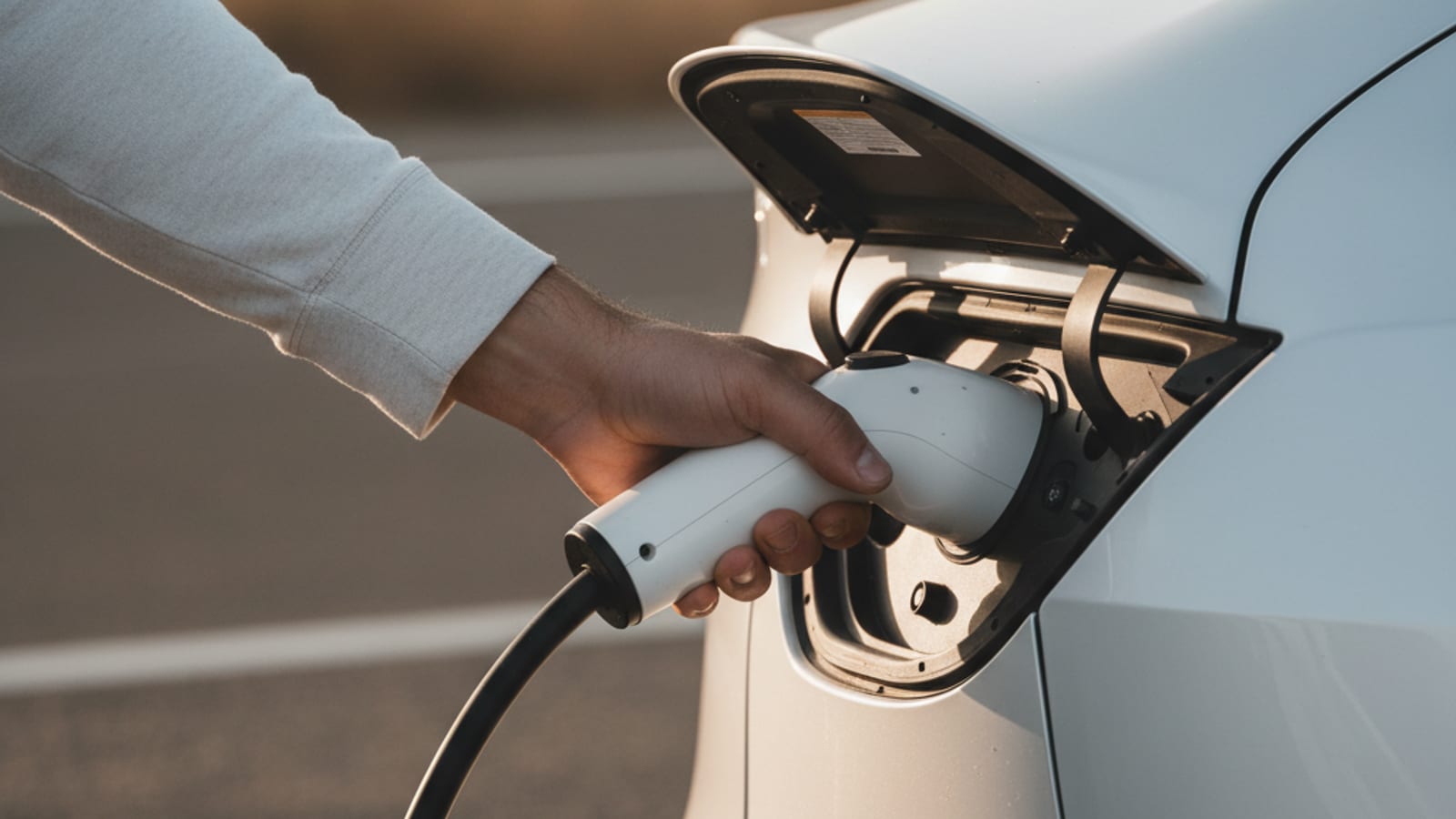
What a stuck Rivian port looks like
The driver ends a session through the Rivian app or the charger’s screen. The session registers as ended. The car should release the cable. The Rivian’s charge port uses a motorized latch that holds the cable until the session is over and the driver presses the release button on the cable or on the car’s screen.
When the latch fails, the cable stays locked. The driver pulls and the cable doesn’t come out. The driver’s instinct is to pull harder, but that risks damaging the cable, the port, or the latch mechanism.
The most common cause is a software glitch. The car and the charger don’t fully agree that the session is over. A second common cause is a low 12V battery, which doesn’t power the latch motor. A third is a hardware fault in the latch itself.
First checks before you call
Unlock the car. The Rivian’s charge port latch is tied to the central locking system. If the car is locked, the cable is locked. Press the unlock button on the key fob or in the Rivian app. Try the release again.
End the session through the charger’s screen if you haven’t already. Some networks keep the latch locked until the session is properly ended through their app. Confirm the session is fully ended, not paused.
Try the manual release. The Rivian has a manual release cable inside the frunk or behind a panel near the charge port. Pull the cable firmly. The latch should release.
Cycle the car. Lock the car, wait ten seconds, unlock the car, and try the release again. The car’s body control module may have a glitch that a lock cycle clears.
Try the 12V jump. A Rivian with a low 12V may not power the latch motor. A portable jump pack on the 12V terminals wakes the car and powers the latch. Rivian R1T or R1S won’t start: checks before you call covers the 12V version in more detail.
What not to do
Don’t yank the cable. The Rivian’s charge port and the cable’s connector are both engineered for a precise engagement. Yanking risks bending pins in the port, breaking the latch mechanism, or damaging the cable. A repair at a Rivian service center for a damaged port runs into four figures.
Don’t pry the latch with a tool. The mechanism is small and the plastic parts break easily. A driver with a screwdriver can do permanent damage in seconds.
Don’t cut the cable. The cable is high-voltage DC. Cutting it is dangerous and is also a service replacement.
What the operator brings
We’re a referral line for Los Angeles County. We match stranded EV drivers with independent local operators. The pros we connect you with are licensed professionals. We hold no license for the work. We own no trucks and employ no technicians. We set no prices and publish no arrival time.
The operator quotes you before they start. They bill you directly. No dollar figure belongs here. They quote you on the phone and confirm access before they roll.
For a stuck Rivian port, the operator brings a portable jump pack, a manual release tool, and the experience to know which one fits the failure. They try the 12V jump first if the car shows signs of low 12V. They use the manual release if the latch is mechanically stuck. They recommend a tow if the port itself is damaged.
The operator confirms the diagnosis on the call before they roll. If the failure is a software glitch that needs a Rivian Service Center, they tell you. If the failure is a mechanical latch they can clear on site, they roll.
Rivian’s own roadside
Rivian’s roadside assistance is more developed than most manufacturer programs. Rivian sends mobile service vans in some markets and dispatches third-party contractors in others. Coverage in LA County is uneven. A Rivian driver in a Rivian service zone gets a service van. A Rivian driver outside the zone gets a third-party contractor.
The contractor may bring a mobile charger or a flatbed. The contractor decides on the call.
When Rivian Highway Assist is not enough in Long Beach covers the broader Rivian roadside pattern in LA County.
What charger-fault failures look like
A driver at a public charger may find the cable stuck because the charger’s release signal didn’t reach the car. The charger’s network may have a fault. Try ending the session through the network’s app. If the network is down, the latch may stay locked until the network comes back up.
A driver at a Tesla Supercharger with a Rivian using a NACS adapter may have an adapter-related failure. The adapter has its own release mechanism. The driver’s first move is to remove the adapter from the cable, then the cable from the car. Trying to remove them as a unit can compound the problem.
After the cable is free
Once the latch releases and the cable is out, check the port for damage. Look at the pins. Look at the latch mechanism. A driver who sees bent pins or a broken latch should not charge again until a Rivian service center has inspected it.
A Rivian with a recurring stuck-port problem may need a Rivian software update or a latch replacement. The driver can schedule service through the Rivian app.
The number to call is (213) 410-1991. We’ll match you with a local operator. They quote before any cable goes in.